Autonomy As Classic AI
I have already mentioned about an autonomy as a classic AI in the earlier blog post and the video. But I would like to highlight this topic again, as I think it is important for UMeFate development in the context of the emergent life sim.

 UMeFate AI Observable Prototype (technical) #59
There are many ways of developing an autonomy behaviour in games. Different solutions and goals fit different purposes. There is no one best way of doing things. However, UMeFate approaches an autonomy in a classic way, and how AI was made in various games for decades. Including now decades old various colony and life sim games. It is proven to function well. And with the hardware advancement, while still allowing to play on mid range PCs, the possibilities are even greater, where emergent life sim can really shine.
The classic AI approach is quite different in the comparison to the generative AI. Often being confused what AI is. Generative AI often requires higher end PC specs. From my experience, in the context of life sim, gen AI is limited to how many world inhabitants can take advantage at the same time of that tech and resulting autonomy reasoning, it is not really that engaging in the long run. At least so far. But I also don’t think gen AI tech will advance that much further for the next years, to be suitable and viable for life sim development games. Plus now increasing hardware costs.
I am in an opinion that existing hardware (multithreading) and the technology, is fully capable of running open world with 100s of actively living inhabitants and an autonomous immersive simulation, where the player is part of that world. And I am not discussing an RPG type of games, where most of the world is idle for most of the time, and families are rather static in the context of a gameplay. I am referring to a fully dynamic simulated world, where families and relations evolve, alongside the player. The only limitation is the developers, implementation and the time.
Various games have already proved that tech is there, i.e. with massive simulated worlds, or oriented on a performance. But so is the challenge, to put it all together, into an actual life simulator.
Do I do it right? By all means, I try my best. But also I still do fell, I should do certain things differently, or there is something that I miss in terms of the technical choices. I.e. did I right, to chose Lua, over staying with C# for modding? Is an open world and non-grid based building worth the challenge? However, we sometimes don’t know things, until we try one. And seems my choices play in favor so far. Will that stick? Will see .. 
In the end, there is always room for improvements. And in terms of an autonomy, things will change. While maybe on the surface things will mostly stay the same, underneath code may be completely replaced at some point, if new solutions prove to be more optimal. That is what game refactoring is often doing with its code base.
Basics Autonomy Showcase
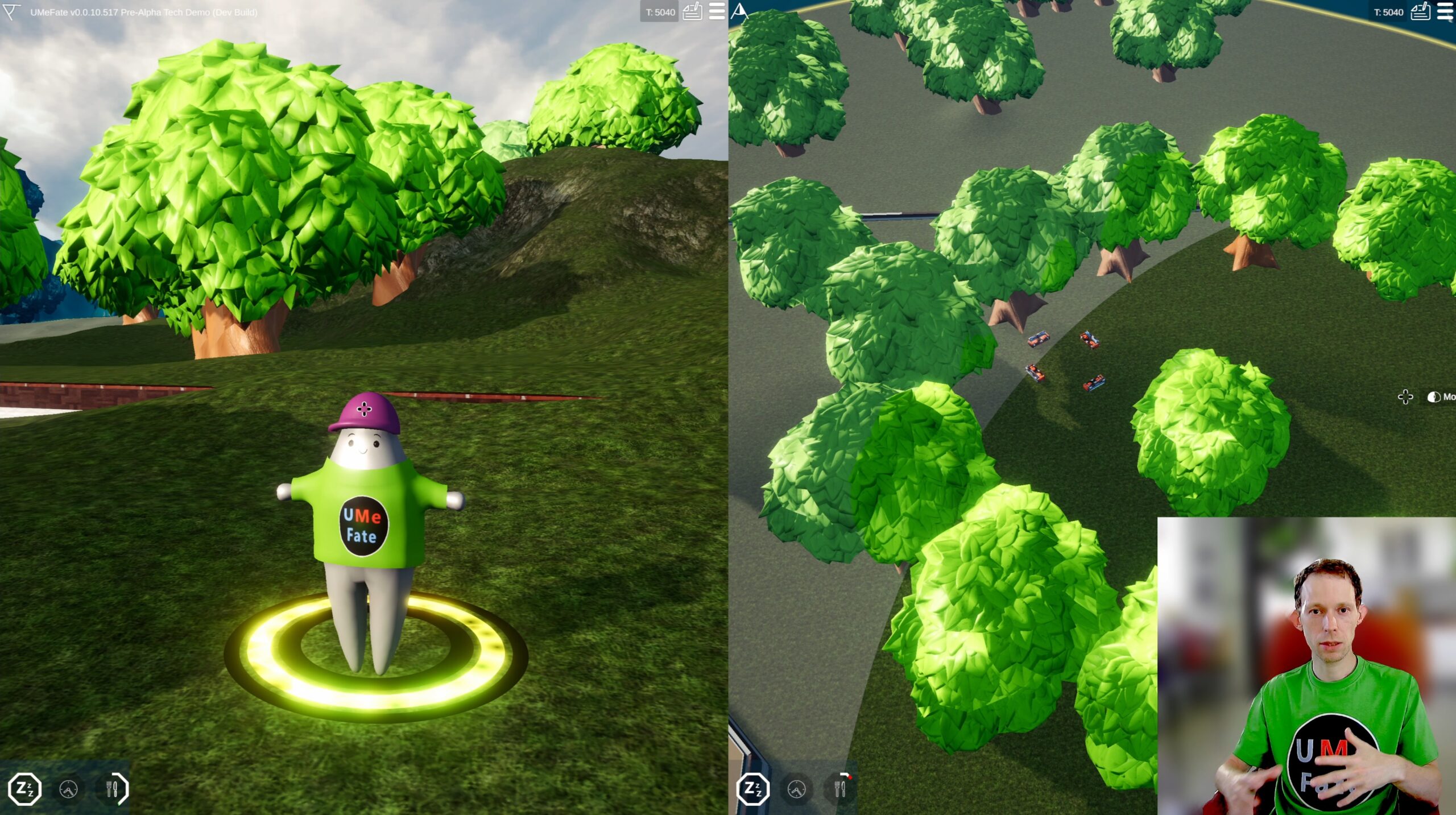
Video starts showcasing two player characters in a split-screen mode. Left screen player is controlled with mouse and WSAD keys, while the right hand side player is played with a gamepad controller. With an ability to seemingly switching between 1st person, 3rd person and distance camera view (point and click mode), this is the first life sim with such features.
The prominent addition is in the bottom left corner of each player screen.
We can see 3 needs icons for each player. There are in fact 5 implemented in total atm.
- Free time (static not changing)
- Sleep
- Hunger
- Need for socialising (bug is not showing the icon)
- Need for being with a nature (bug is not showing the icon)
Atm. needs have no consequences. There is no logic for needs as of yet, besides of UMes aiming to fulfill them. Like finding food, sleeping, or socializing.
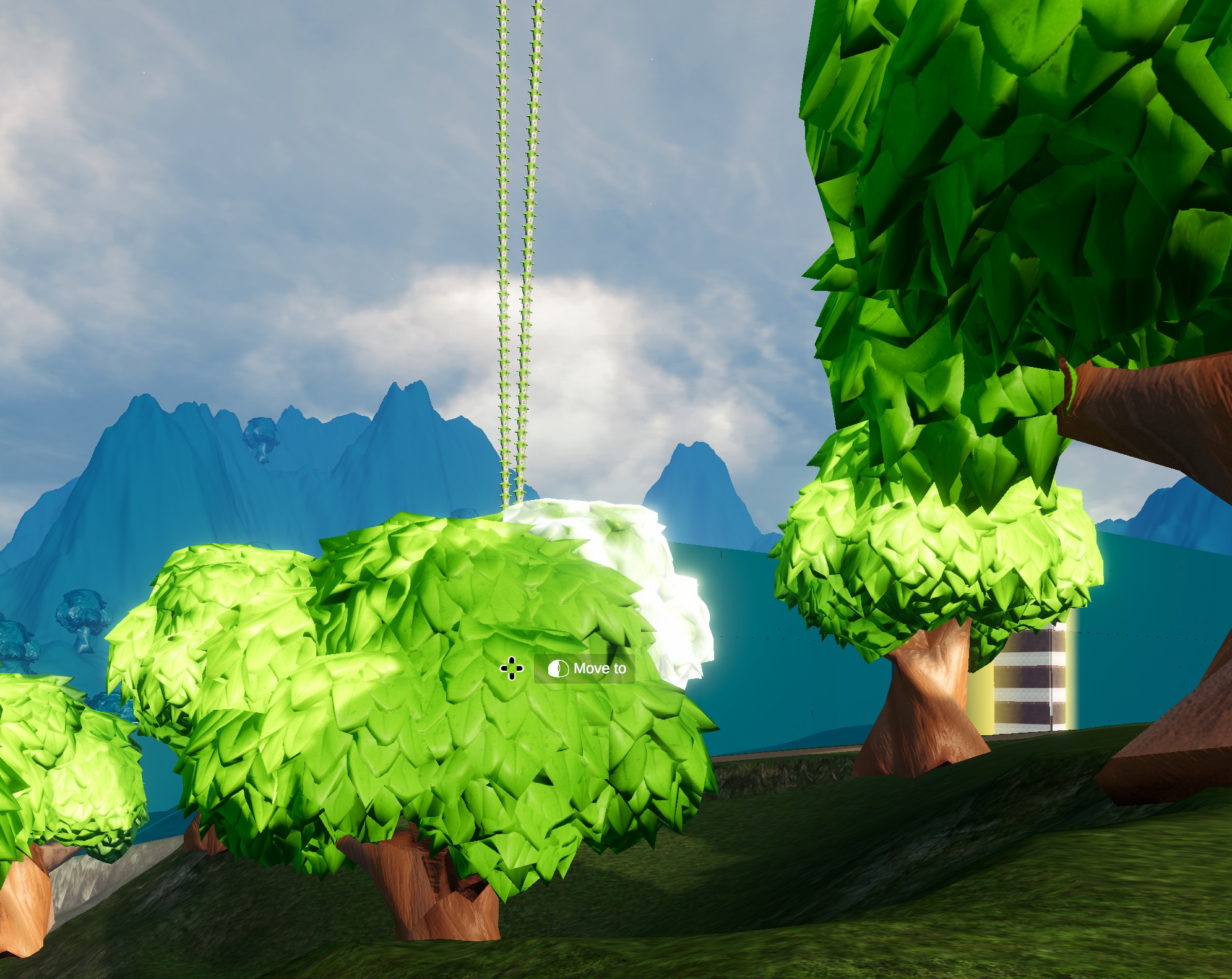
All interaction happens by just getting close to the source of the need satisfaction. There is no point click action yet, to act with bed to sleep, or to talk with another UMe. Also, for now food is only found near trees. All that is planned to evolve over the time and new interaction mechanics will be added.
When UMe is controlled by a player, we can see when needs are satisfied (reaching 0 fill bar). On the other hand, when UMe is left to its own domain, it will act autonomously, to find food, someone to talk, or go to bed.
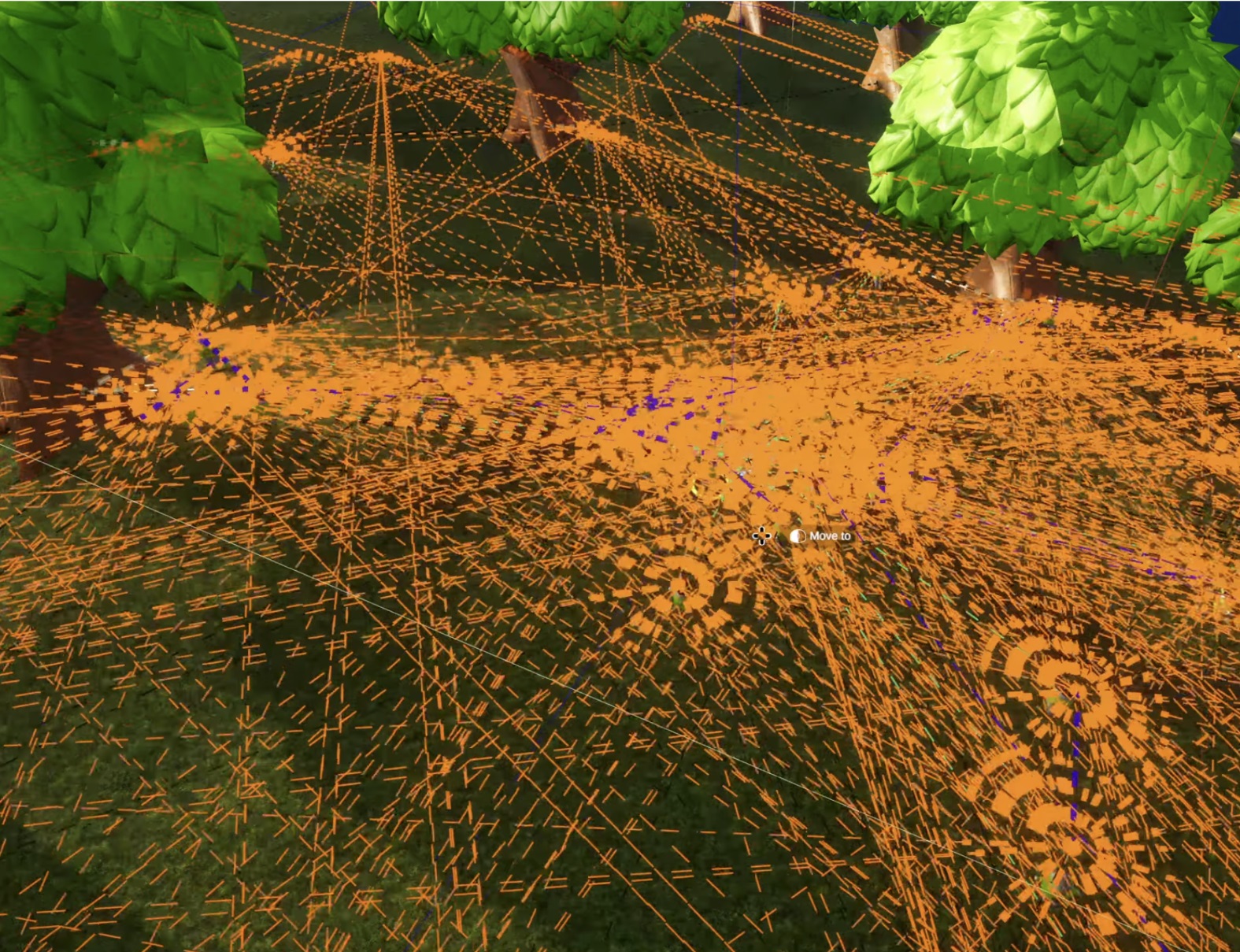
From a debug stand point, there is CTRL + F8 mode, which allows to view and debug observables interactions between UMes and objects. Current implementation is such, that when UMe is in a view range, let's say a bed, so bed is spotted, and sleep demand is at the high priority, UMe will attempt to navigate to that bed. However, there is no bed ownership atm. So all UMes can sleep in the same bed at the same time 
Side note: All visuals and lack of animations are purely placeholders. This is left purposely, for the time to be replaced in the future, when UMeFate will gather more resources for the development.
Lua Modding
Here is an interesting part, that Lua allows hot reloading, and that the Lua code can be modified, while UMeFate is running.
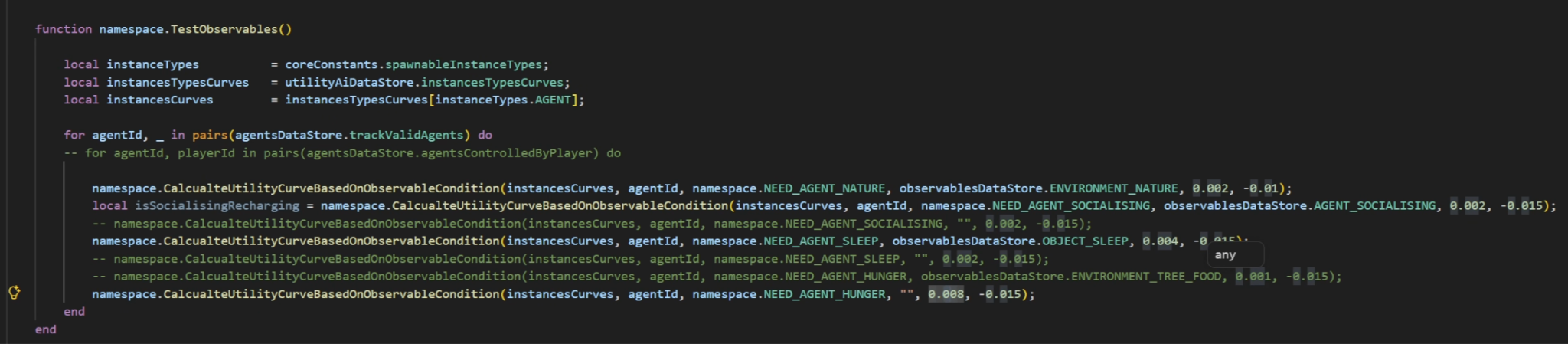
The video shows an example, where the hunger need consumption is changed in the Lua file. Its change rate is increased, making it a higher priority, when the progress bar is filled up.
To note is, that only Lua mods scripts located in the user’s documents (AntyVersum/UMeFate/), can be changed at the runtime. Original installation Lua files are not the subject to hot reloading. At least for now. But there is an option, to move files from an installation folder to the user’s documents directory, and to use it with hot reloading.
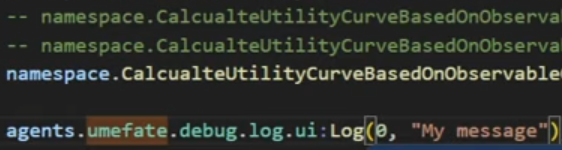
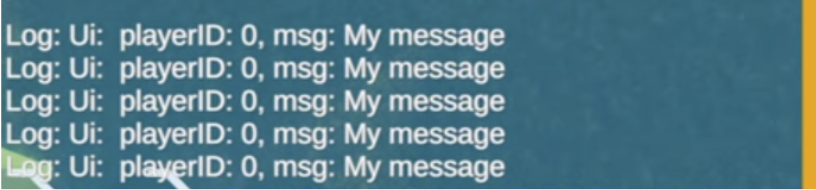
There is also added in game Lua console, which can be open / close with CTRL + tilde (~) key. When used, the performance currently will tank, when the console logs a new entry. But the main purpose is, just debug individual features. Hopefully I will be able to optimise this in the future.
Population of 100s
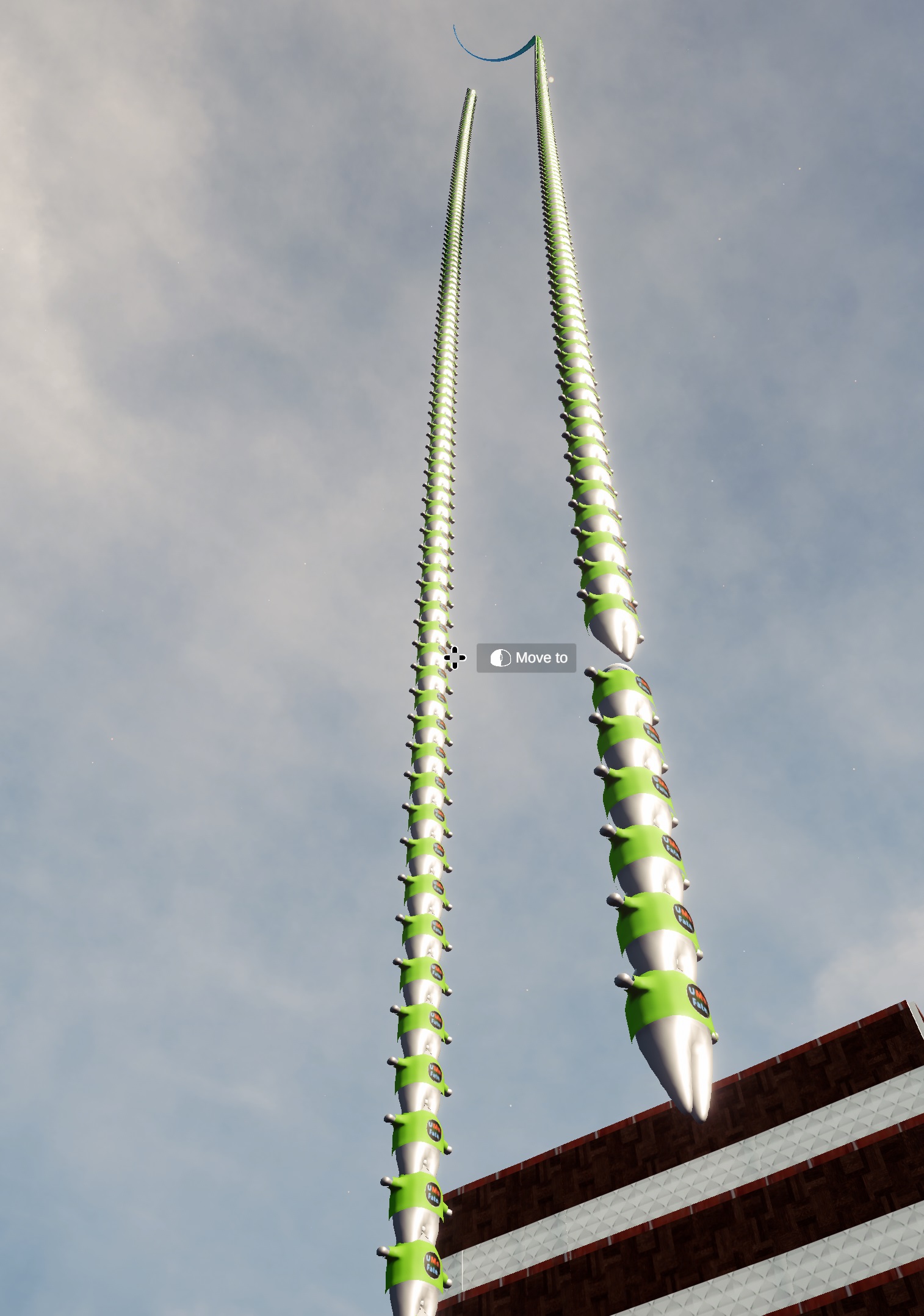
The second part of the video showcase focuses on the autonomy of 400 UMes. We can observe UMes inhabitants walking between various destinations (beds, trees, other UMes), to fulfill their needs. But also, there may be spotted few issues in a debug mode, as well, as some UMes may be stuck.
Also, there are few reasons why there are not 1000 of UMes showcased, as the ultimate goal.
First is that 1000 of UMes is not meaningful for the purpose of the current showcase itself. And may bring more visual clutter than it is worth.
Secondly, 1000 UMes at 60FPS is the development goal and it is a form of a performance benchmark. But default, UMeFate will run most likely on far lower numbers on average. I.e. leaving the “space” for new borns, arrivals and consequently passing away UMes.
Thirdly, above 500 UMes there is spawning bug, which cause UMes to float 
And finally, benchmarking 500 UMes atm yields 50-60 FPS on my hardware, while 1000 of UMes results in 40-50 FPS. But during recording, FPS drops to +20 FPS.
So 400 of inhabitantants at the map start is at the moment a healthy number. And may be map specific.
Debugging is also more / less fun. So there is a lot of work for me to address these. And more.
Technical Modding
In the second half of the video, I walk briefly through a few modding utilities and features that have been added, along with an autonomy system that has been added.
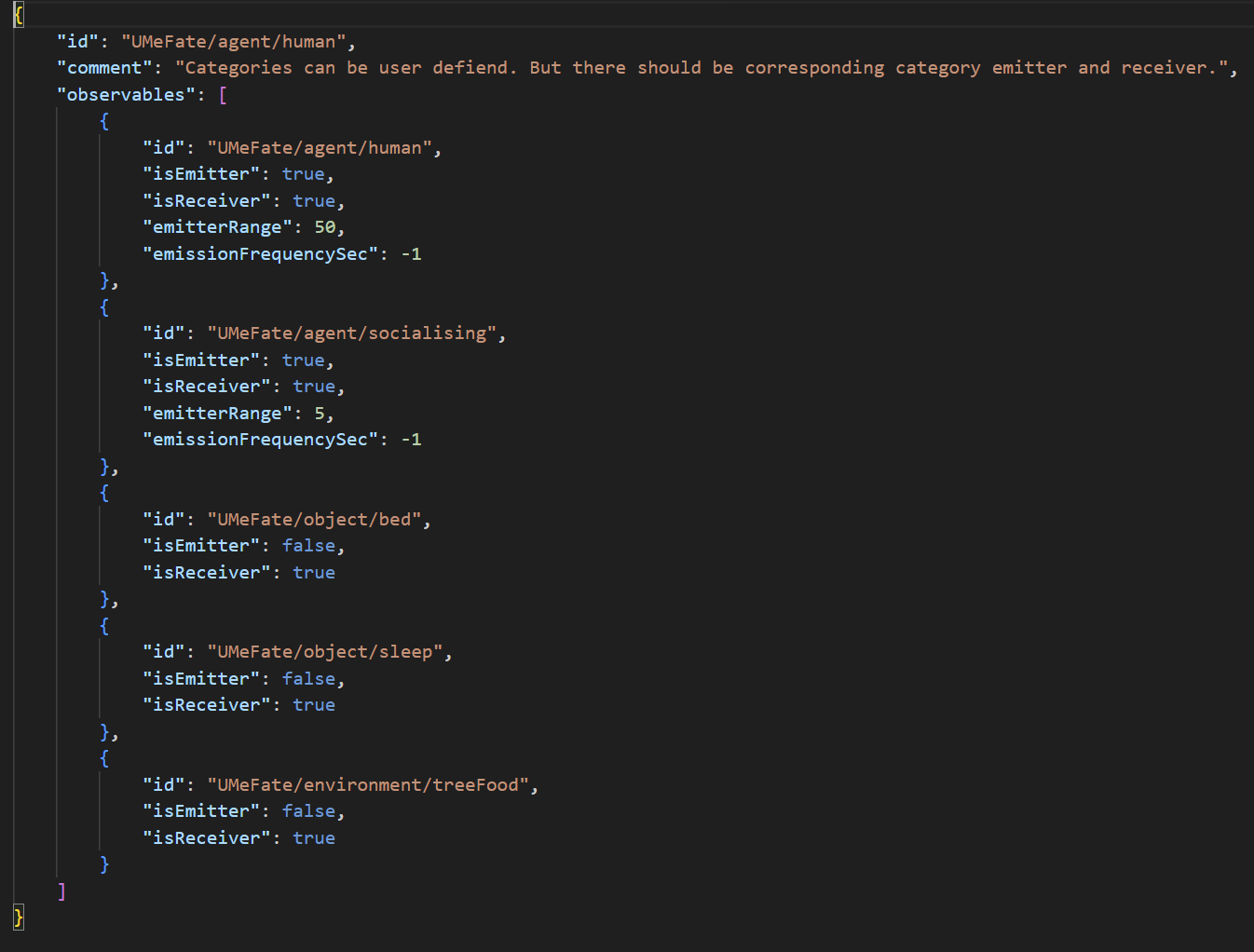
I have already briefly discussed observables classes in a previous autonomy video. There are observables classes json files, which are responsible for telling the autonomy system, what can interact with what.
For an example human class will listen (receive) to the broadcasted (emitted) observables signals, like, is this bed, is this another UMe? If yes, then if I need to sleep, move to the bed, or try to socialise. A bed object will naturally have its own respective class, which broadcasts that observable signal.
Further in the technical section, I discuss about use of Utility AI for an autonomy priority detection.
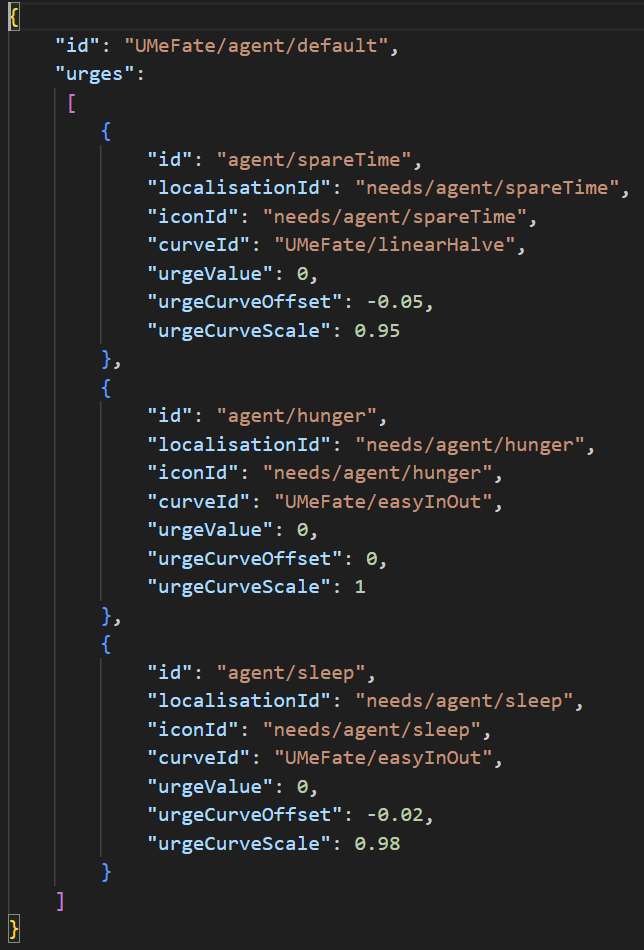
The example of the need class for agents, which is discussed in a bit more detail in the vid. And has somewhat the similar structure, as observables.
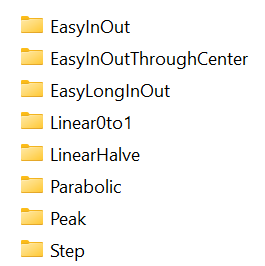
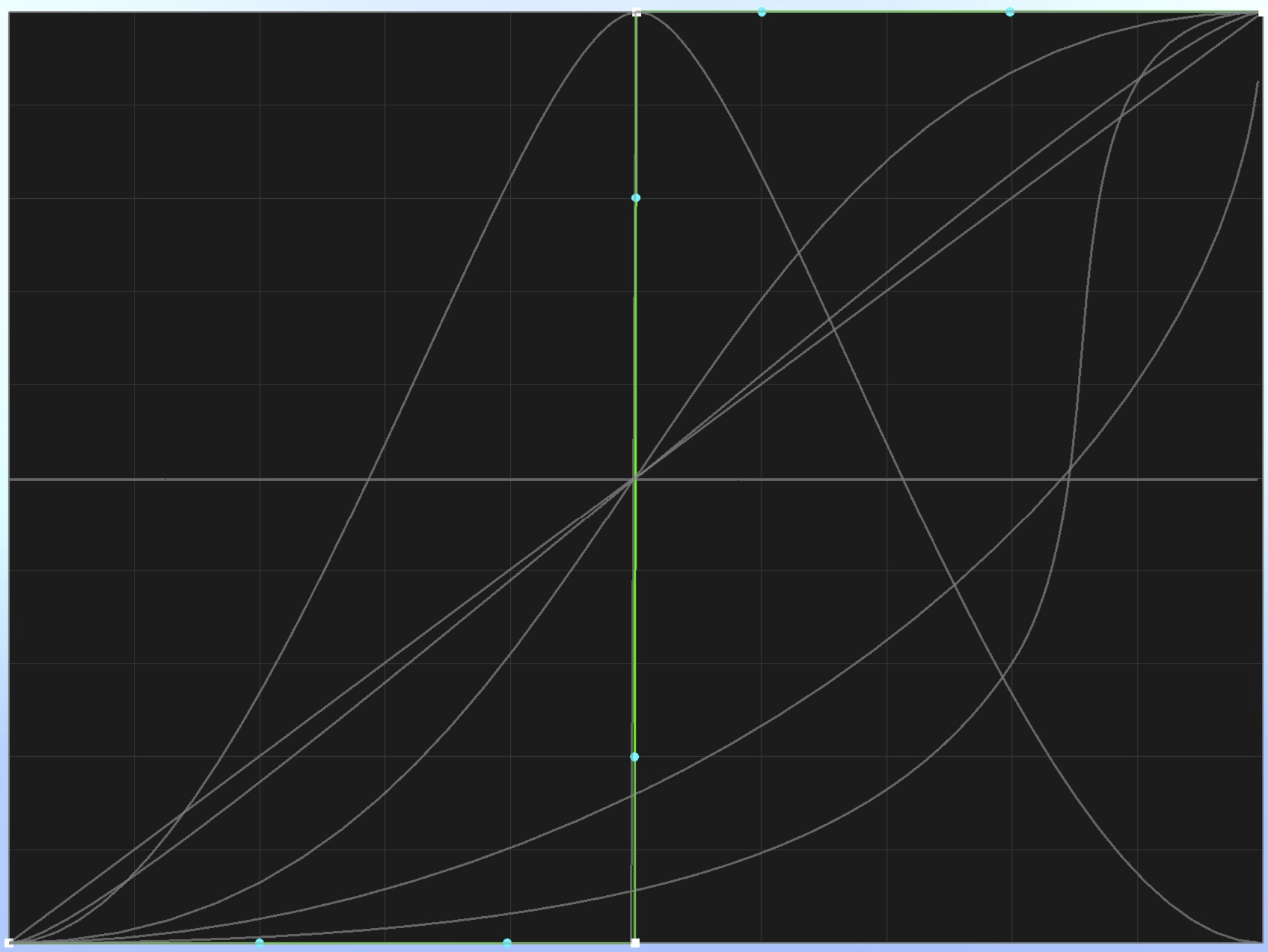
And corresponding curves that can be used
Utility AI system operates on curves, where X axis is a need, i.e. hunger, and Y axis is the urge. Needs with higher urge takes precedence and that is the top priority need to be fulfilled.
This is an example of multiple need curves.
There is a utility tool in development, which will help to create, or edit such curves. Available under CTRL + F7 shortcut.
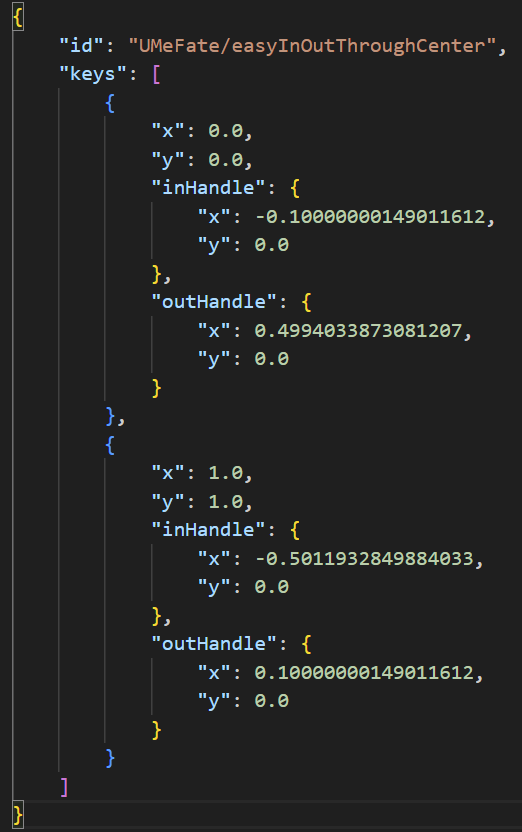
And the following example of one curve class.
While UMeFate loads these classes at the start, complex heavy and performance lifting is done on the engine side. Any of these files’ changes, require complete UMeFate restart (close and reopen). At least in the current UMeFate state.
UI Modding
It is worth mentioning, as the most of the UI already is, needs UI is also fully moddable via Lua.
The Battle For The Performance
The high performance oriented simulation is a task, that I set in UMeFate from day one of development. Unfortunately, it doesn’t come for free. There is no simple ON button. It requires a lot of tinkering, testing and often trials and errors. Something that may work fine in a prototype, or in an isolated case scenario, when integrated along with other mechanics and systems, such a system may start to behave unpredictable, for various reasons.
When I have implemented initial autonomy mechanics, observables + Utility AI + Lua modding side, the performance tanked and it hit massively. I knew, I need to investigate that, before I made this vid.
So at first, I have attacked Lua performance problem. Had to change how Lua communicates with the engine, to more performant form. Eliminating at the same time costly unwanted left over data, known in a programming as Garbage Collection. So at least for observable mechanics, that appears to be resolved. But I know, I got a few other places eventually to address.
These things start popping in at the scale. And I was aware of that, these will come out eventually.
Another challenge was the observable system. Initially I wanted to address fairly low cost Garbage Collection. That led to redesign of part of the engine’s observable system. But it resulted in the performance hit in other parts. So after back and forth, I eventually reach the steady state. And observable system is no longer the performance bottleneck by itself. But there are other areas to look for. However, while redesigning the system, it introduced new bugs. And some bugs are currently present, which may eventually lead to crashes. Surprisingly, UMeFate ran stable for nearly 2 hrs so far. Either way, I need to resolve them, before moving on.
In the future, I want to investigate other performance bottlenecks, which may require further redesigns and refactor of relevant systems.
Something that may seem simple from the player perspective, can be highly complex underneath. When having for an example, one or two characters, specific problems may not necessarily be an issue, or be invisible. Sometimes even hidden and hard to track. Some issues can be even a very rare case scenarios. Hence very difficult to reproduce and fix by developers. But scaling up, now once taken shortcuts can cost a lot of additional development time.
Saying all that, starting with simpler prototype systems, can save a lot of future development time, as potential issues may pop in during such development. And that before running into full production of such a system. So trying to make a system perfect from the get go, usually is not the right way to go for. It need evolution, iterations and refactoring.
What Next
Just as mentioned in a previous blog post about the autonomy, I will hold for now on adding new features and focus on fixing various autonomy, UI, and other critical game mechanics. Otherwise, this will keep piling on top and bite in the back side, sooner than later.
Then in perhaps 1-2 months, I will be hopefully ready to push another updated and more stable UMeFate iteration to Steam, as I did with previous versions, to showcase development moving forward.
That is it for now.
Until the next one 



 UMeFate Pre-Alpha: Implementing autonomy system (classic AI)